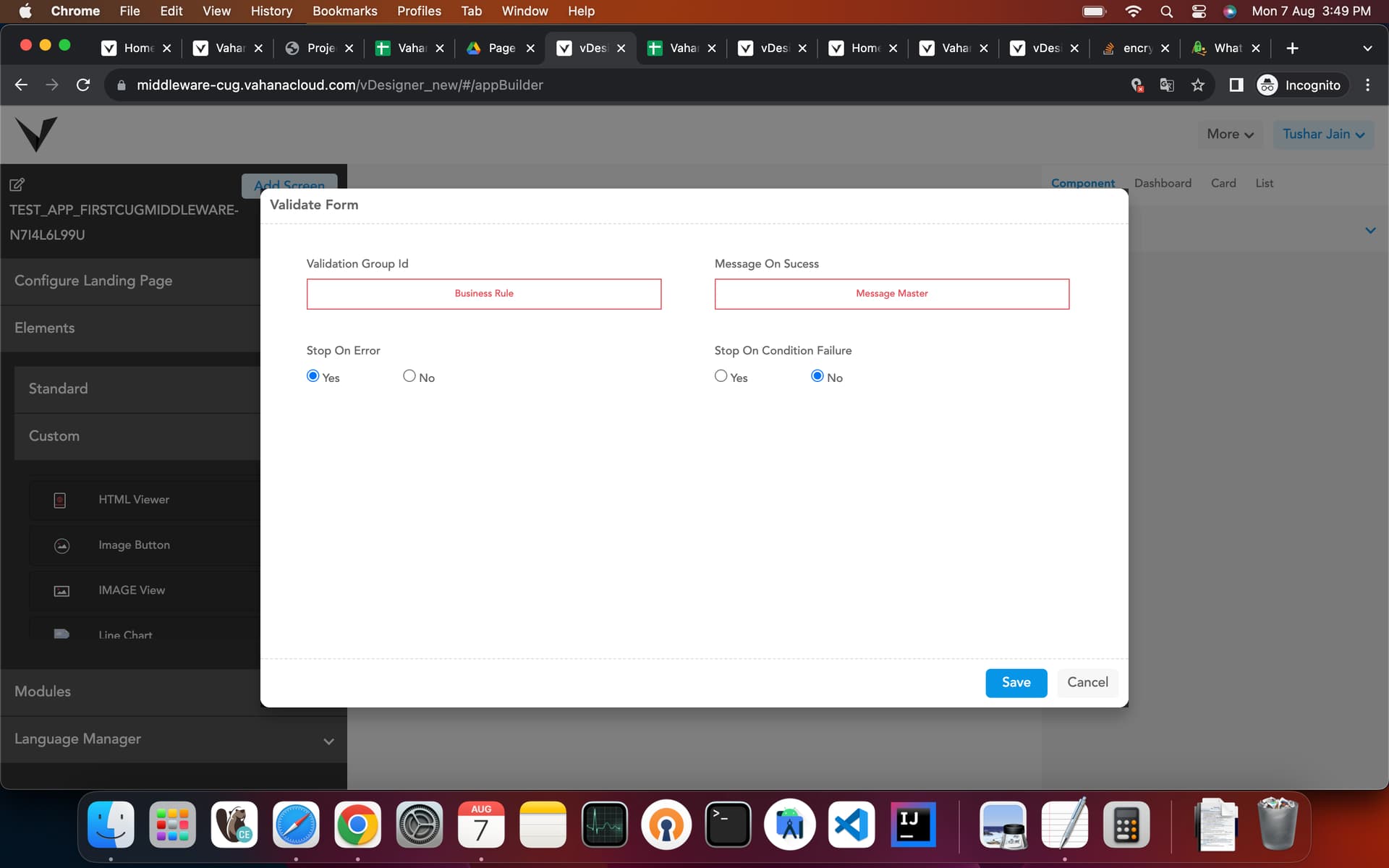
Which element is used to validate and save the data capture in other controls? Please explain.
2 Likes
Bottom Button element is used to validate and save the data capture in other controls.
Adding a Bottom Button:
- In the left navigation panel, click Standard, and the Standard menu expands.
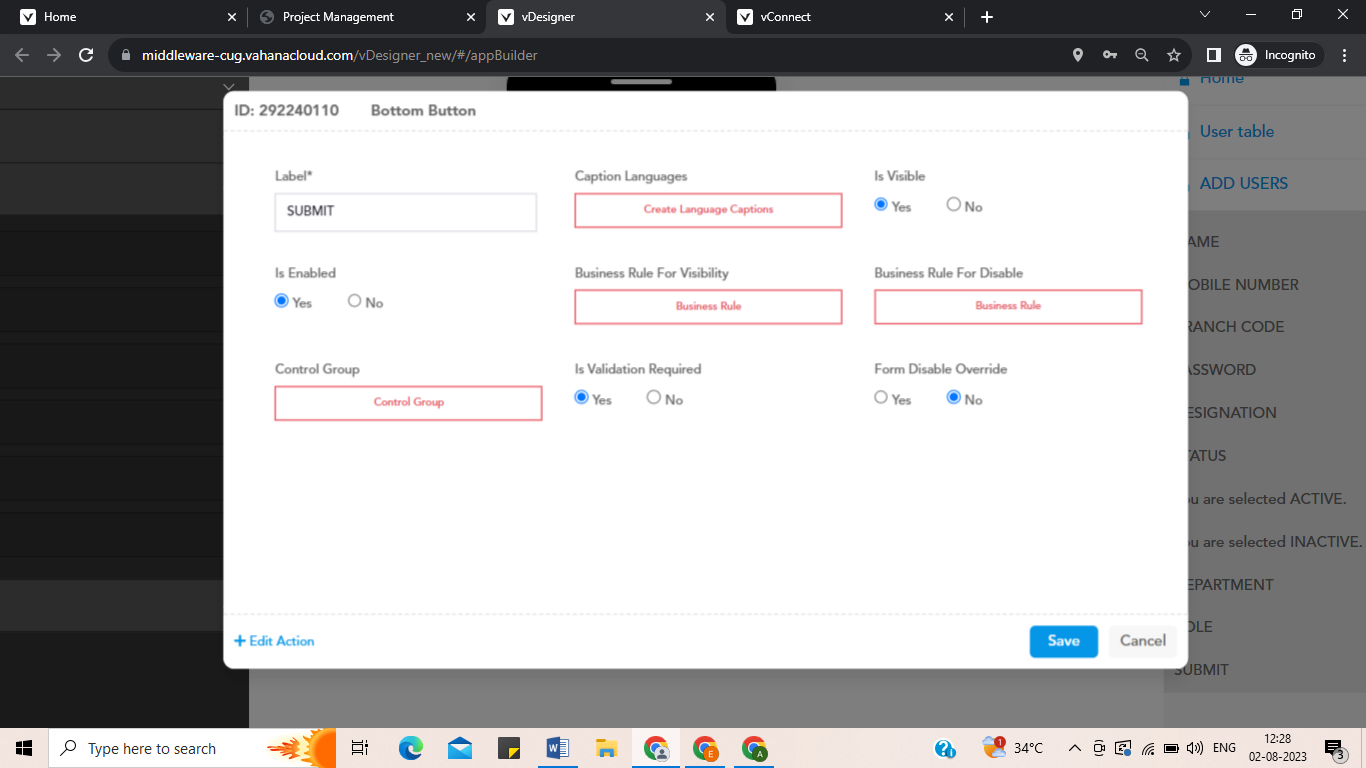
- Click the Bottom Button element, and the Bottom Button Definition dialog box opens.
- Label: enter the label name of the element. → Submit
- Is Visible: Click Yes if you want to make the element visible after the app displays the form.
- Is Enable: Click Yes if you want to make the element an active element. The user can perform the function on the active element.
In the left Bottom, click on ADD TASK and you can map your next form here with the help of FORM ID task.
In the Form id task, you can give the page ID which you want to add on that bottom button.
2 Likes