How to Configure PIE Chart in vFlow 2.0?
1 Like
Hi @aakriti.kamboj
To configure PIE Chart in vFlow2.0. Follow the below steps:-
- Go to Inventory.
- Click on Components.
- Click on create and Select type as chart.
- Now go to properties section of PIE Chart component.
- Select type as Pie.
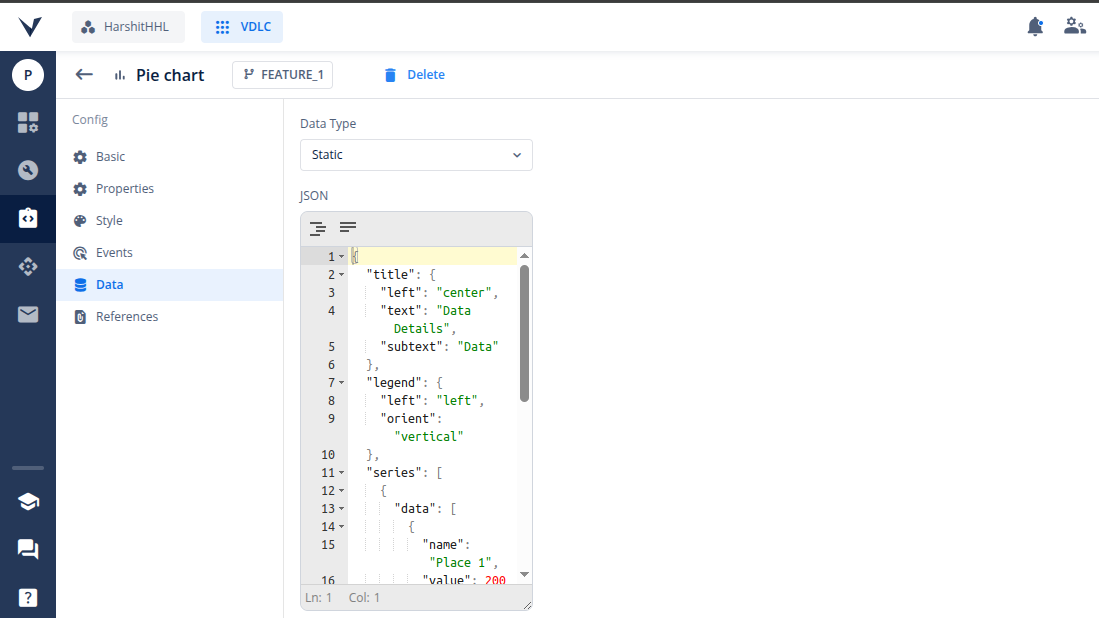
- Now click on data section and for static select Data Type as Static and pass the JSON for PIE Chart configuration.
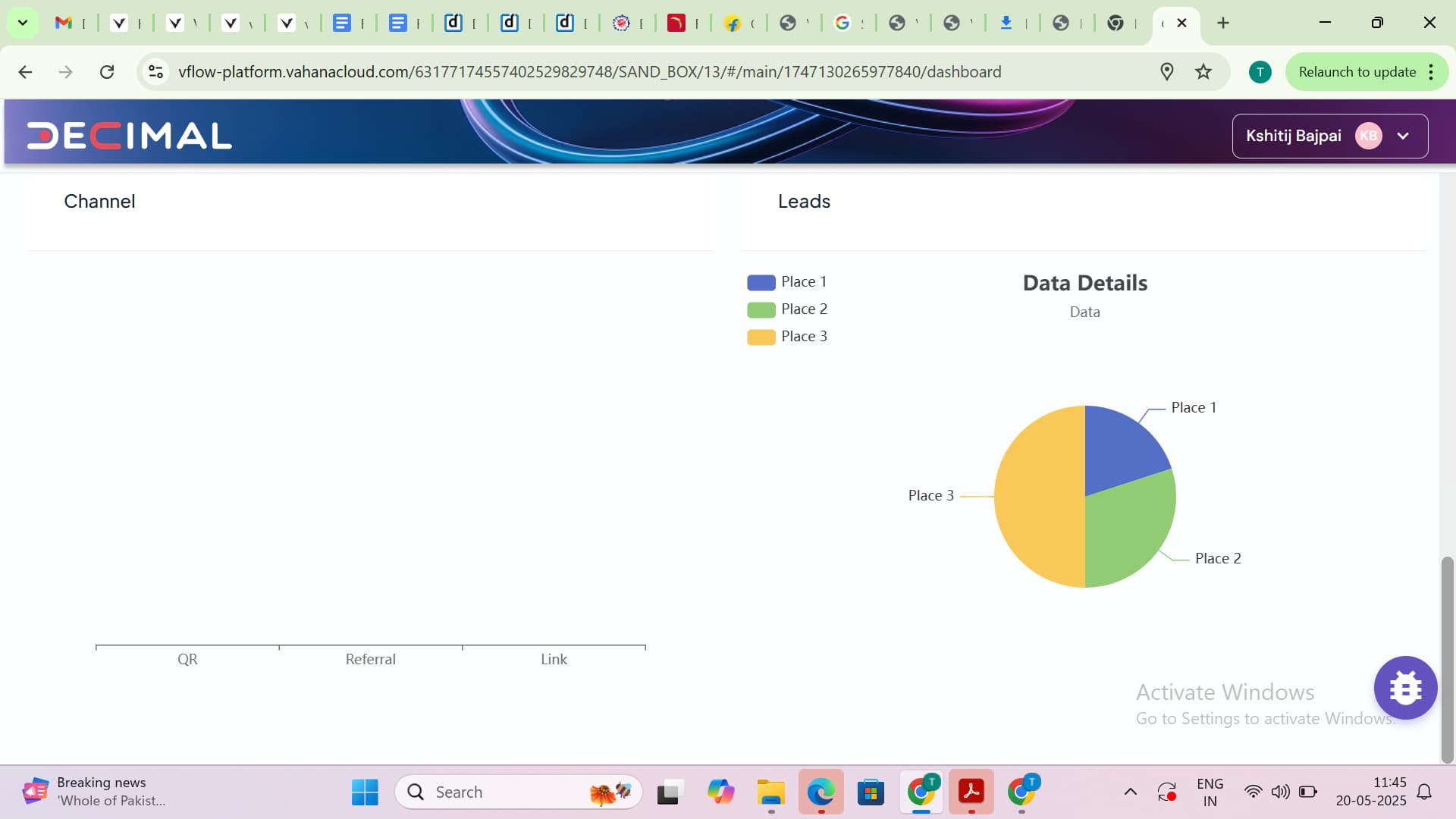
- Save it and bind this component to the page.
- Now, Click on commit and deploy.
1 Like