I want the Longitude and Latitude of an image while capturing it in a vDesigner 2.0 application
-
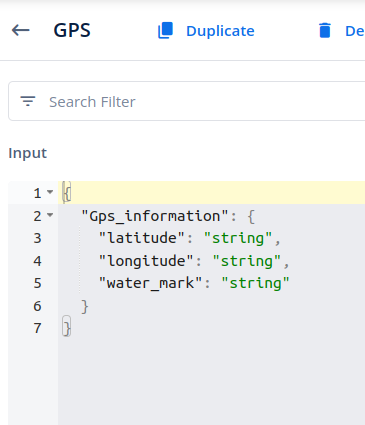
Configure the “Save Location” task to save the location using the provided latitude and
longitude. The data should be passed in the following format:{
“Gps_information”:
{
“latitude”: “”,
“longitude”: “”
}
}
-
To concatenate the latitude and longitude, configure the “Copy Data” task, which will
merge these values and save the result into an entity.
-
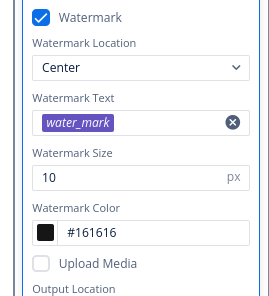
Finally, configure the “Open Camera” task, enable the watermark option, and pass the
final entity into the watermark checkbox.

2 Likes