How to configure the back button on the left of the header page to go back to the previous page?
- Add Header Element: Drag and drop a header element onto your canvas.
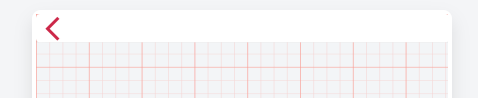
- Place Icon in Header: Drag an icon onto the header and position it to the left.
- Select Back Icon: In the properties panel, choose the back icon from the Material Icons library.
-
Set OnClick Event: Set the OnClick event for the icon to trigger an action when clicked.
-
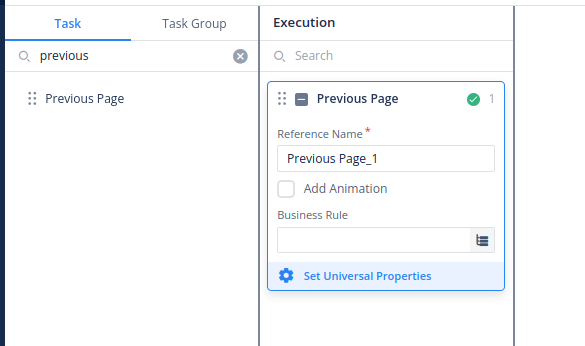
Search for “Previous Page” Task: In the execution panel, search for the “Previous Page” task.
-
Select and Save Task: Once found, select the “Previous Page” task and save your selection.
-
Test Navigation: Clicking the icon in the header should now navigate you to the previous page