3 Likes
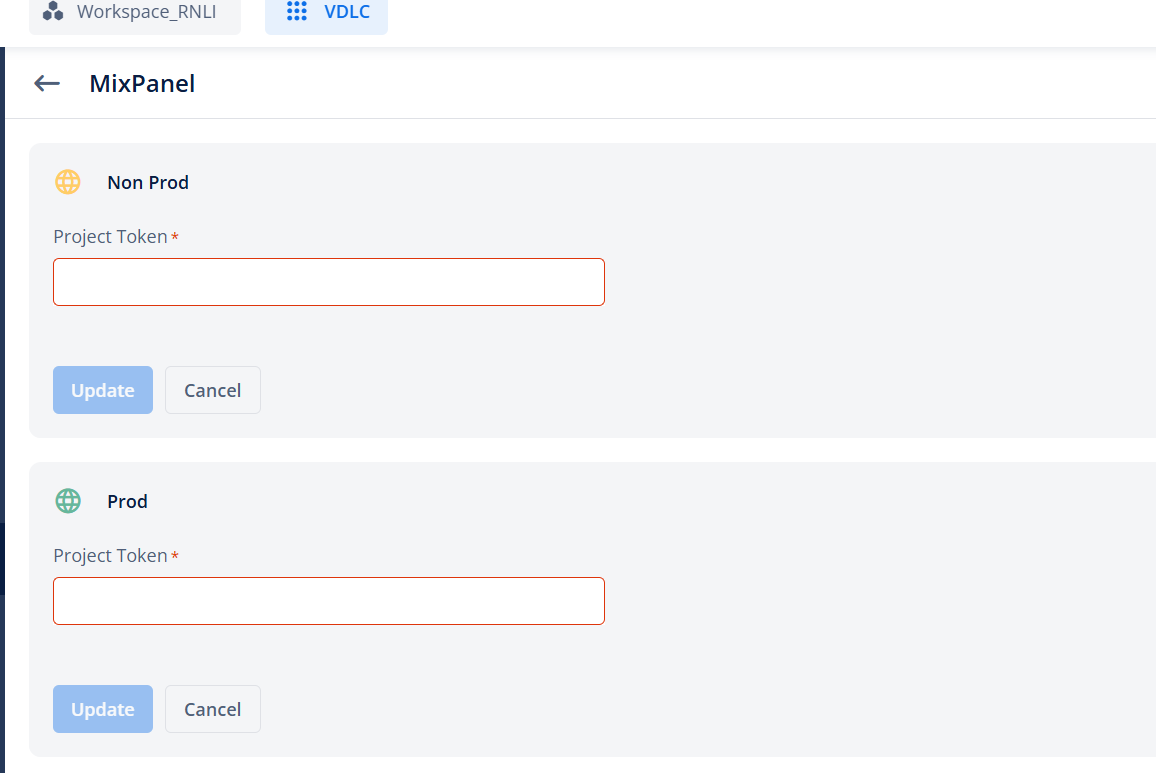
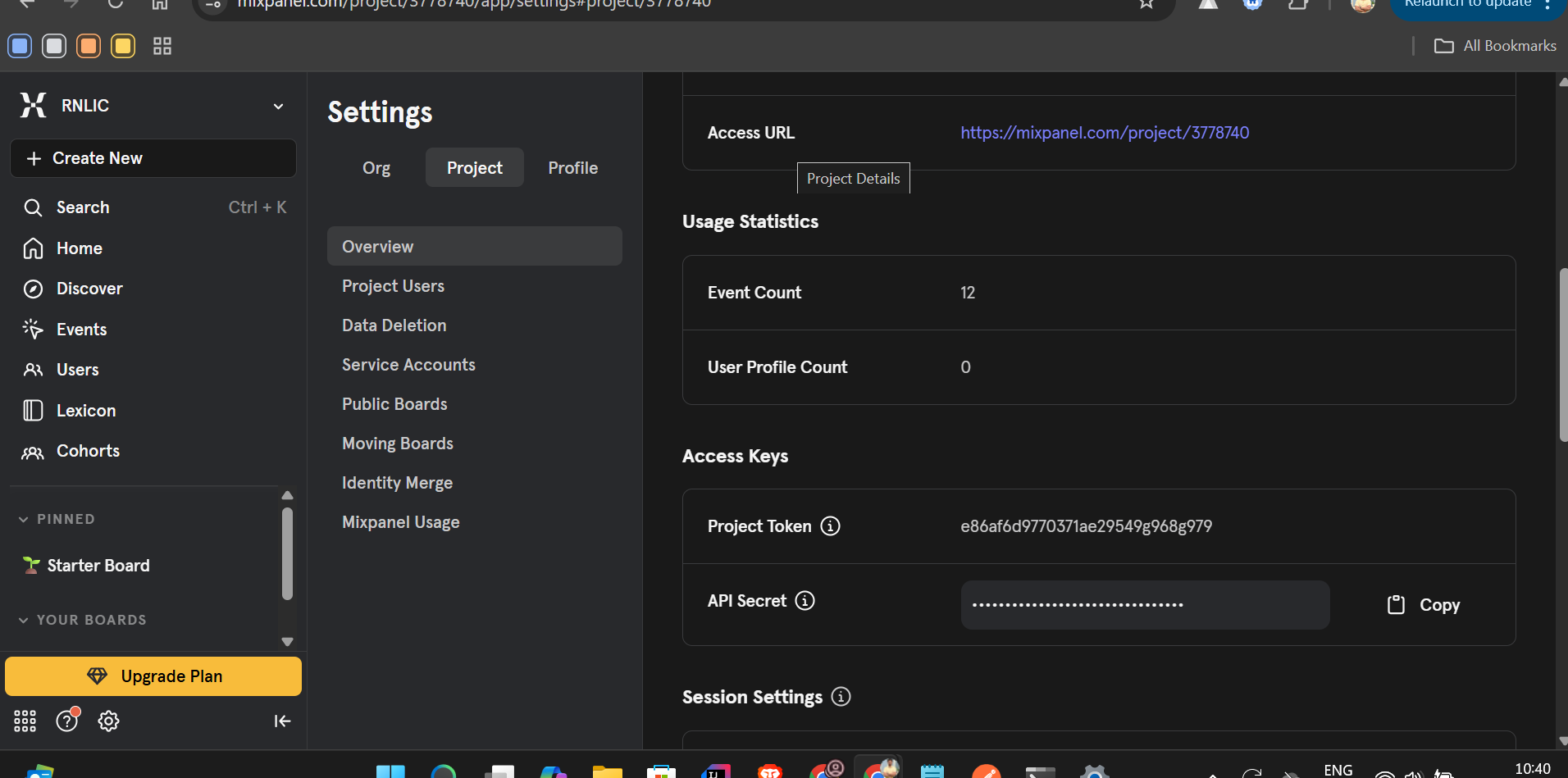
Steps to Get Project Token in Mixpanel:
- Log in to your Mixpanel dashboard
- Select the project you want the token for (top-left dropdown).
- Click on your profile icon (bottom-left) → go to Project Settings.
- In the “Access Keys” section, you’ll find your Project Token listed.
2 Likes
Thanks @Vikas_Malik For such a wonderful explanation.
For more reference: How To Locate Mixpanel Token
3 Likes